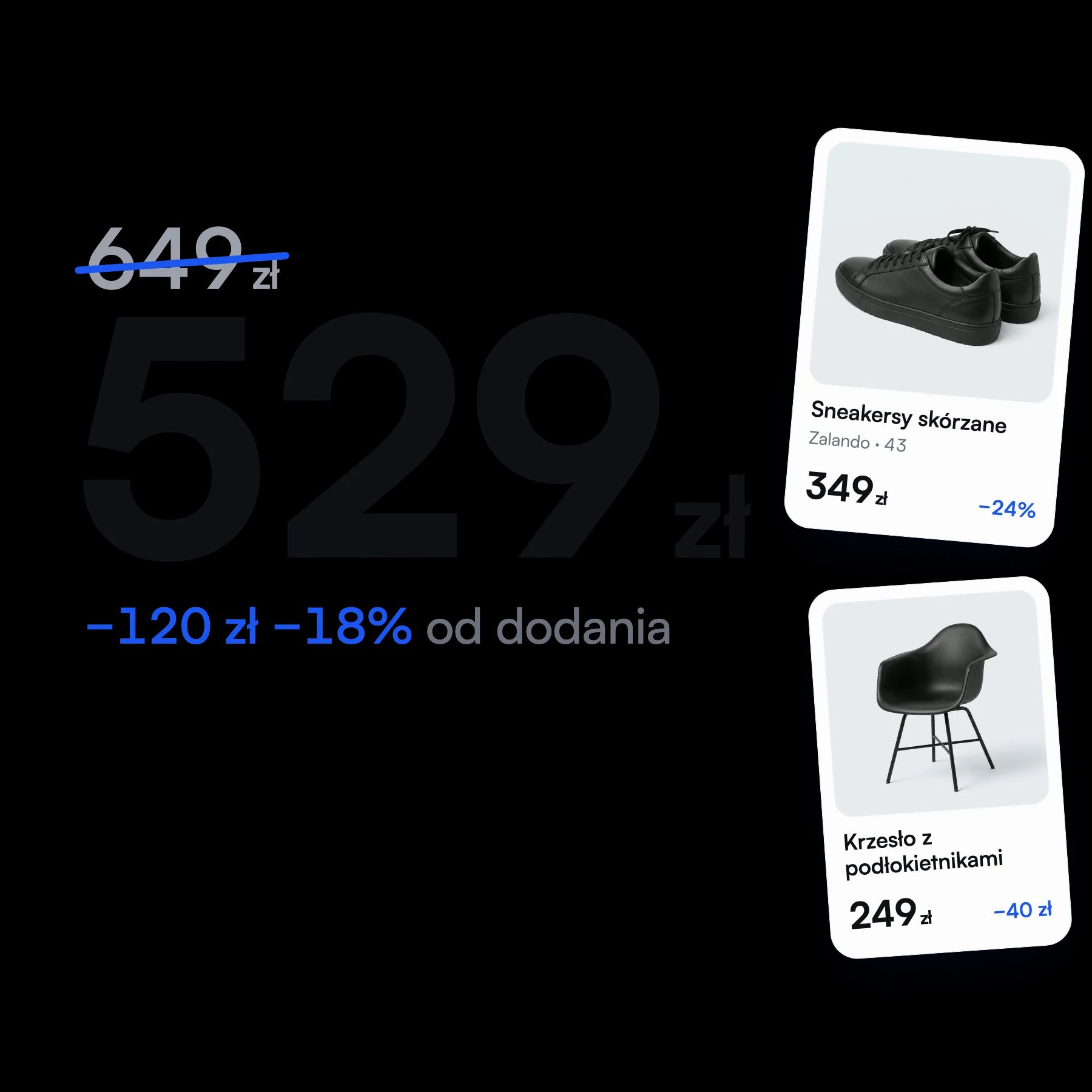
The price is the biggest thing on screen
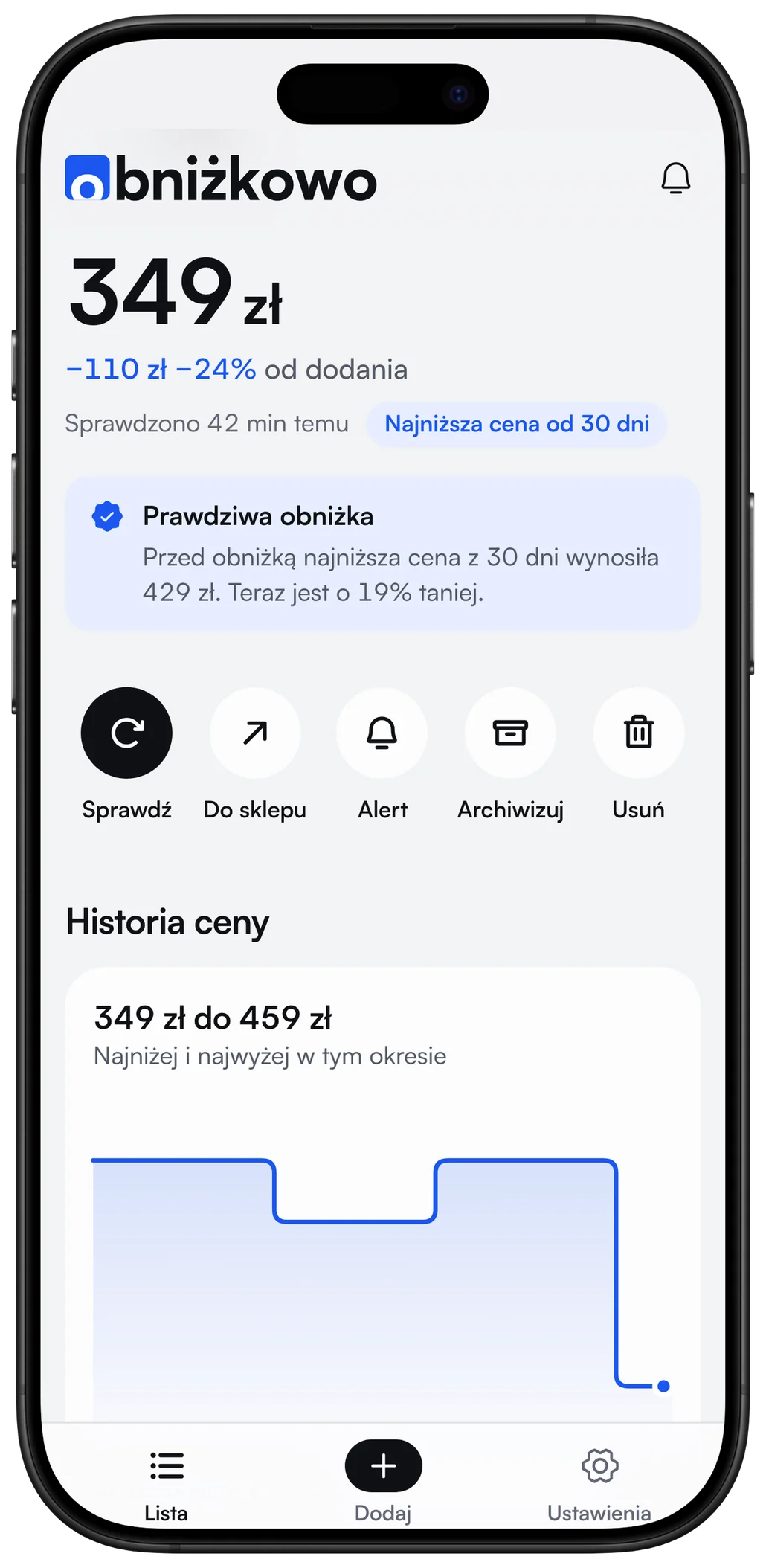
Someone opening the app wants to know one thing: what it costs now. So the price has the largest type on every screen, and the digits line up under each other.
Price tracking web app
Paste a link to a product from a shop or a listing on OLX or Otomoto. When the price drops, you get a message.
You paste the product address on the site. On a phone you can share it from the browser straight to Obniżkowo.
The app reads the name, photo and price. You only confirm that it found the right product.
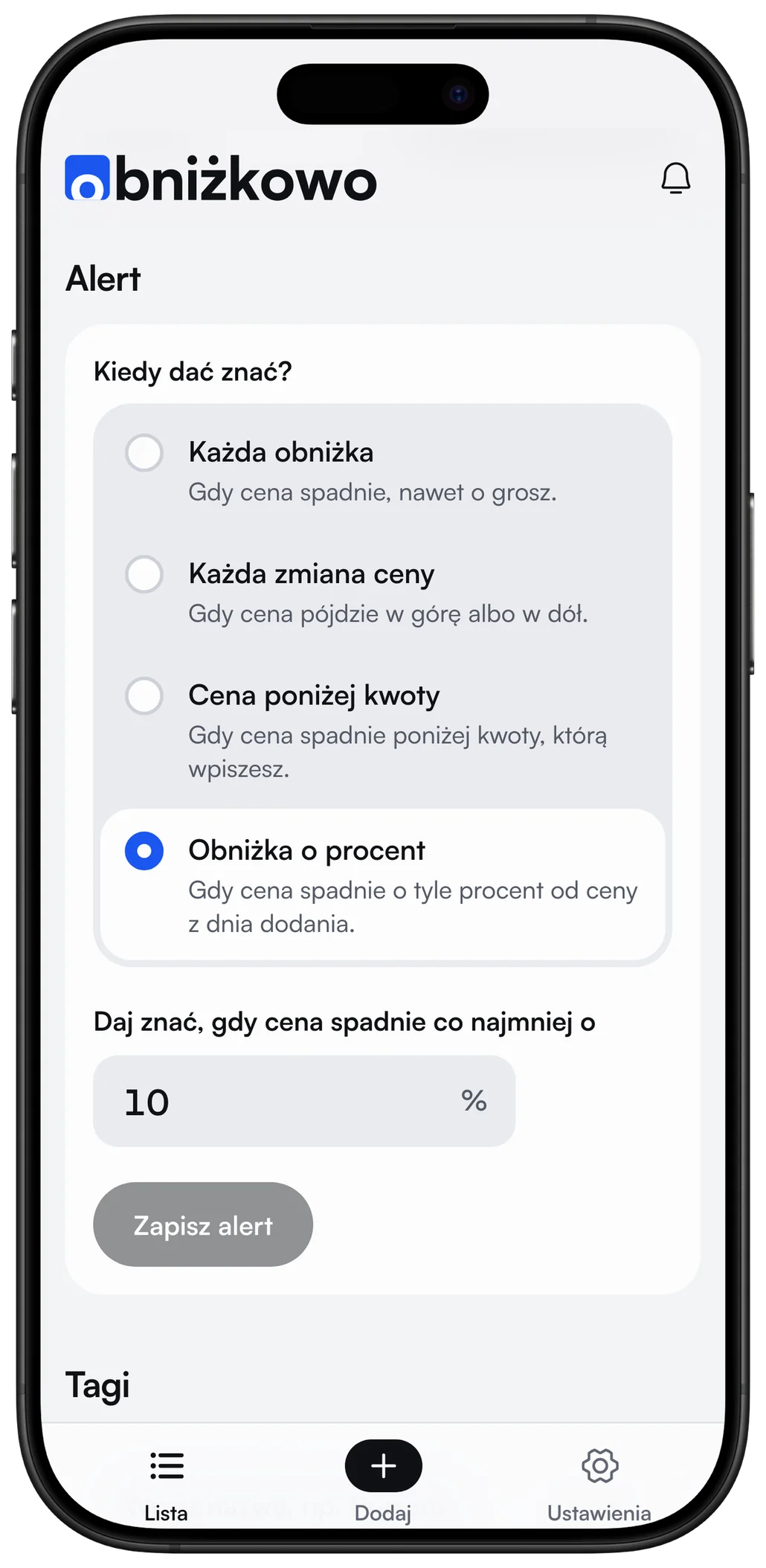
On every drop, when the price falls below an amount, or when it falls by a chosen percentage. The message arrives when that happens.
A list can hold up to 50 products at once: things from shops, OLX listings and cars from Otomoto. Each one has its own alert and its own price history.
Six types: any drop, any change, price below an amount, drop by a percentage, back in stock and listing ended. They arrive on Telegram or as a phone notification, with an optional daily summary.
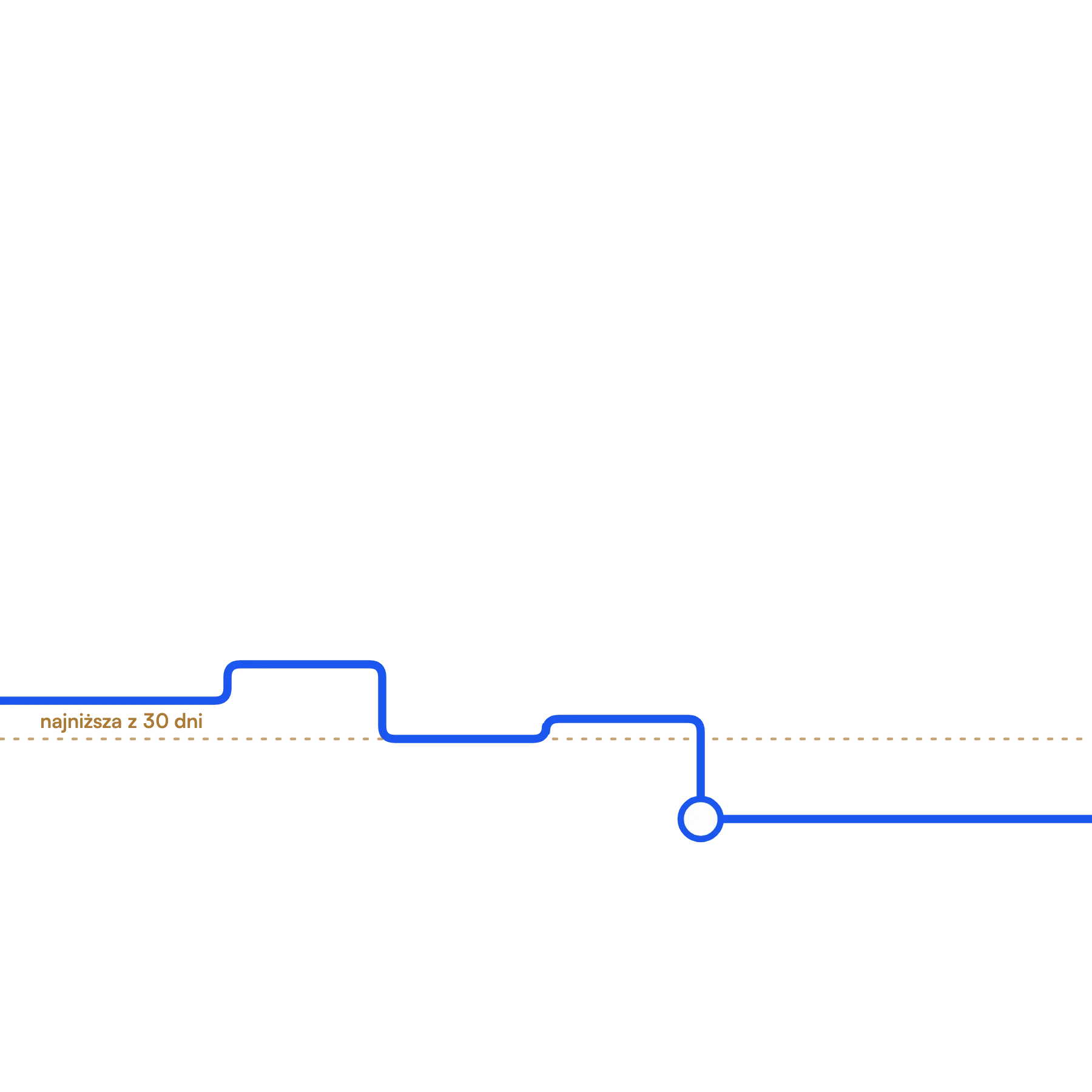
Every product has a chart that starts on the day it was added. It shows how the price moved and when it was lowest.
Shops in Poland must show the lowest price from the 30 days before a discount. Obniżkowo compares it with the crossed-out price and says so next to the product when the discount is smaller than it looks.
It works with any shop that shows the price on the product page. Allegro, x-kom, Morele, Zara, H&M, OLX, Otomoto and Reserved, Mohito, Cropp, House and Sinsay have readers matched to their pages.
On Android, Obniżkowo installs from the browser to the home screen and accepts links from the Share menu. iPhone users get a ready-made shortcut that does the same.
An “Add this page” button saves a product without copying the link. The extension also checks prices in shops the app’s server cannot reach, such as Zara and H&M.
Obniżkowo started for me and my friends: we spot a sweater at Zara or a car on Otomoto and want to buy it when it gets cheaper, without checking the page every day. I built it on my own, from the design to sending the alerts.
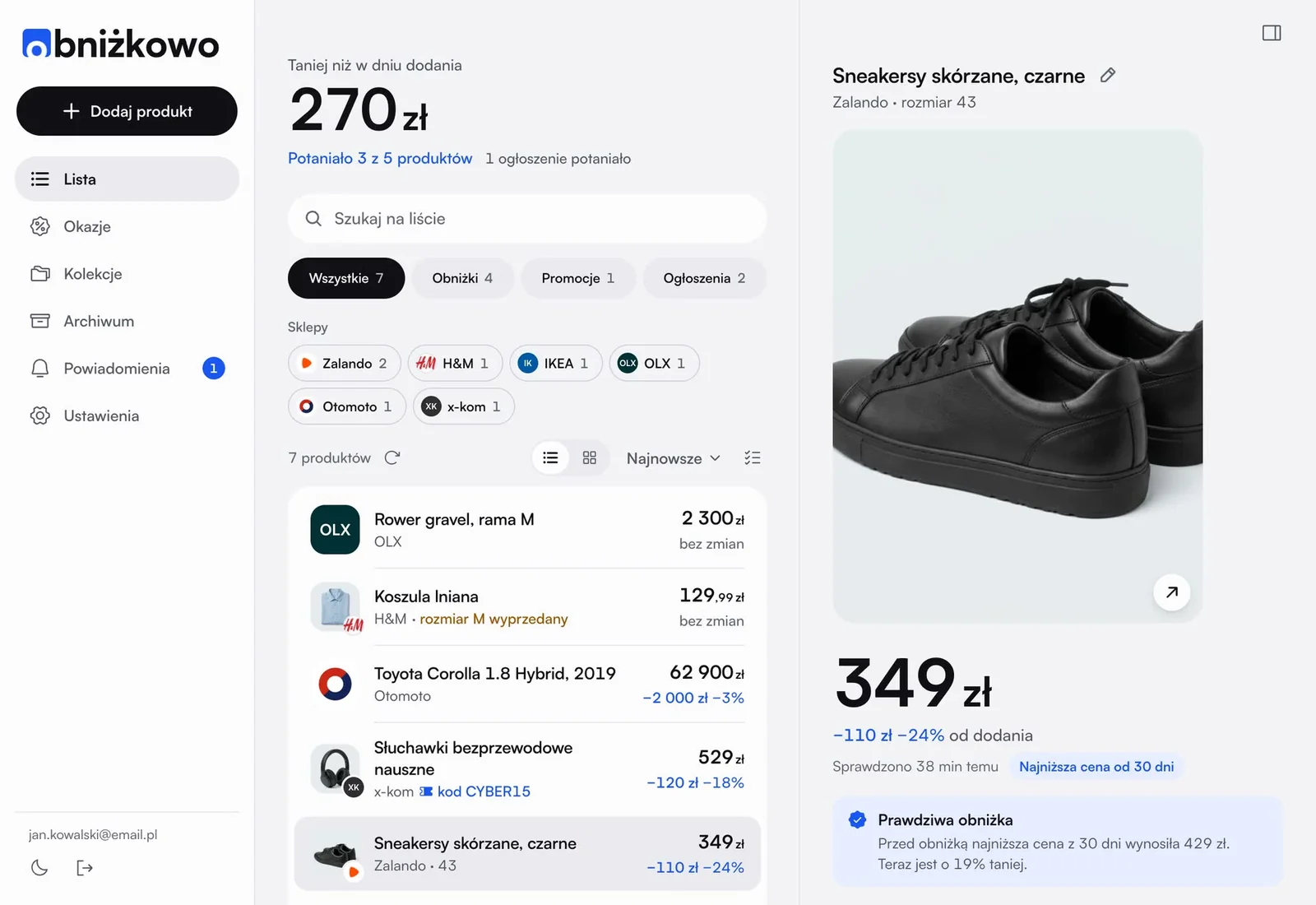
The list in Obniżkowo looks like a statement in a banking app: name, price and change on one line. The background is light or dark, and colour appears only where something got cheaper.
Someone opening the app wants to know one thing: what it costs now. So the price has the largest type on every screen, and the digits line up under each other.
The brand colour appears only on price drops and links, so a drop is visible before you read any numbers. Warnings, such as a sale that only looks like one, are amber.
OLX and Otomoto listings disappear quickly, so Obniżkowo checks them every 30 to 60 minutes. Products with a set amount are checked every hour, the rest every 3 to 4 hours.
The chart begins on the day the product went on the list. The app shows no older prices, because it has no reliable source for them.
A few shops, such as Zara and H&M, show prices only in a regular browser. The extension checks them in the user’s browser, each product roughly every 2 to 3 hours, so those shops can be on the list too.